Start Here
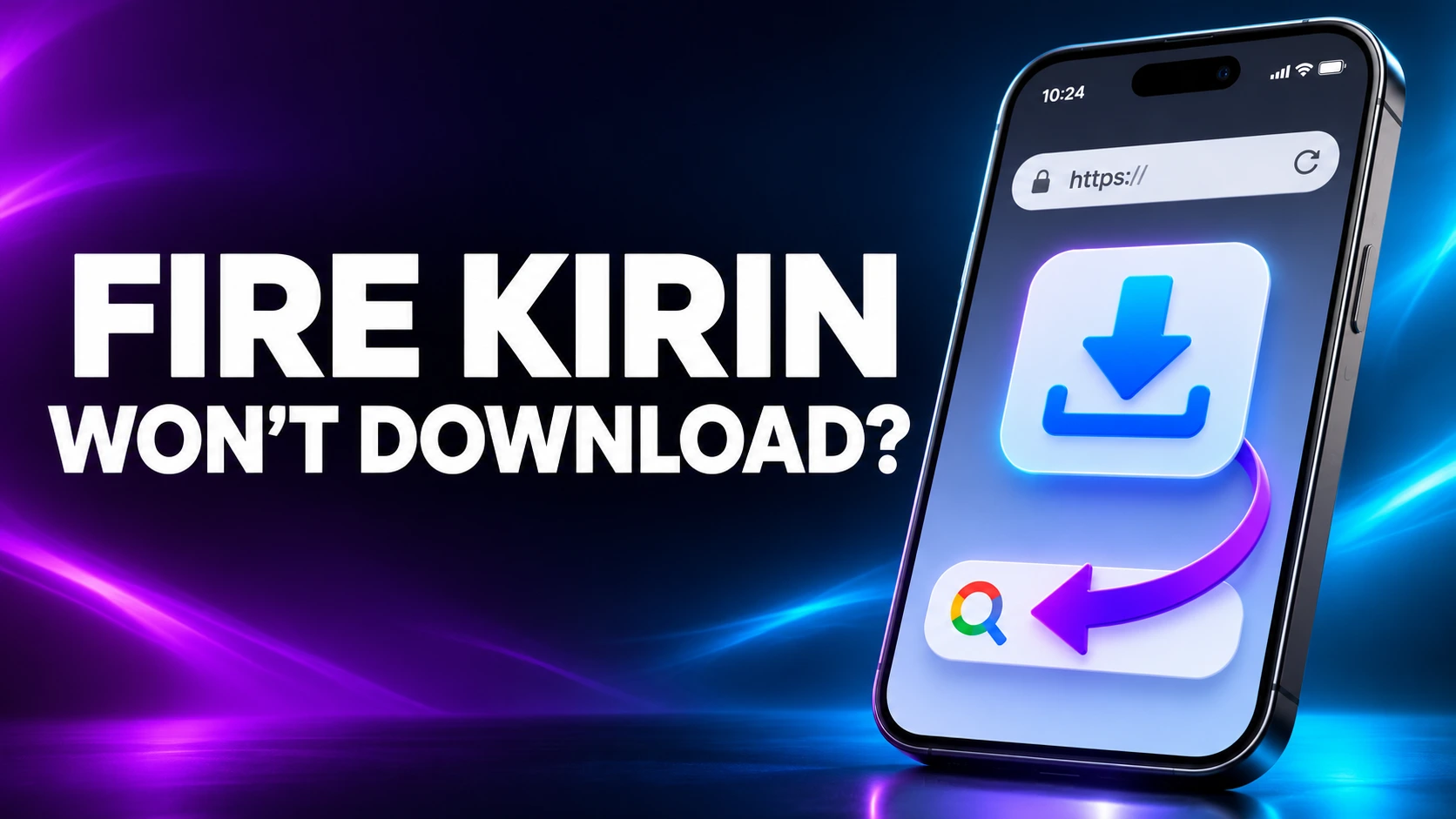
If the Fire Kirin link sends you back to Google, open the FireKirinHub download guide directly in Safari or Chrome and choose your device. If the same button redirects again, tell our team which button you tapped so we can help you find the right instructions.
What to Do When the Link Redirects to Google
- Open the download guide directly. Choose the instructions for your operating system.
- Switch out of the in-app browser. If you opened the link in a messaging or social app, open the guide in Safari or Chrome and try again.
- Record where the link takes you. If Google results open again, note the page and button you tapped. Skip unfamiliar download listings.
- Ask FireKirinHub to check the link. Share your device model, browser, and the button name with our support team.
Find Your Download Symptom
Google results open
Return to the download guide and note which button sent you to search.
Nothing happens
Check your browser’s downloads for a pending or completed file.
The download stops
Check your connection and available storage. Save the exact error message.
The file won’t install
Check that you chose the instructions for your device and record the installation warning.
Android and iPhone Installation Help
Android
Check whether the transfer finished. If Google Play Protect flags the file, keep protection enabled and share the warning with support.
iPhone
Confirm you selected the iPhone instructions. If the expected prompt never appears, or you see a verification warning, send the exact wording to support.
Fire Kirin Download FAQs
Why does my Fire Kirin link open Google?
The address may be incomplete or treated as a search. Tell support where the link came from and which button redirected you.
Can I use Fire Kirin in a browser?
Ask FireKirinHub whether browser access is available for your account and location.
Join FireKirinHub for Setup Help
Want an agent who can walk you through setup? Join FireKirinHub and ask which download or browser option is available for your device. Already with us? Message our team with your phone model and the link or button that redirected you.
Join FireKirinHub → WhatsApp
 Telegram
 Messenger
Keep passwords and verification codes private. FireKirinHub provides independent agent support for eligible adults. Availability varies by location and device.