Start With What Failed
Check whether the public website, mobile app, or your account’s login page stopped working. Each can have a separate problem. If your account is with FireKirinHub, our team can help you check the app or login page you use.
How to Check for a Fire Kirin Outage
- Record the failure. Save the exact message, the time it happened, and whether it appeared before or after sign-in.
- Try another connection. If available, switch between Wi-Fi and mobile data. If one works, the first connection may be part of the problem.
- Look for recent public website reports. The third-party tracker for firekirin.com covers the public domain. Ask your agent about the login page tied to your account.
- Tell your agent what you tested. If you’re with FireKirinHub, share the symptom and time with our support team so we can guide your next check.
Website, App, or Login?
Website won’t load
Try another connection and check recent reports for that domain.
App freezes on launch
Close and reopen it. Note where it stalls before reinstalling.
Login is rejected
Confirm the login address your agent gave you and save the exact message.
One game won’t open
Record the game name and check whether other game screens load.
What If Fire Kirin Loads but You Can’t Log In?
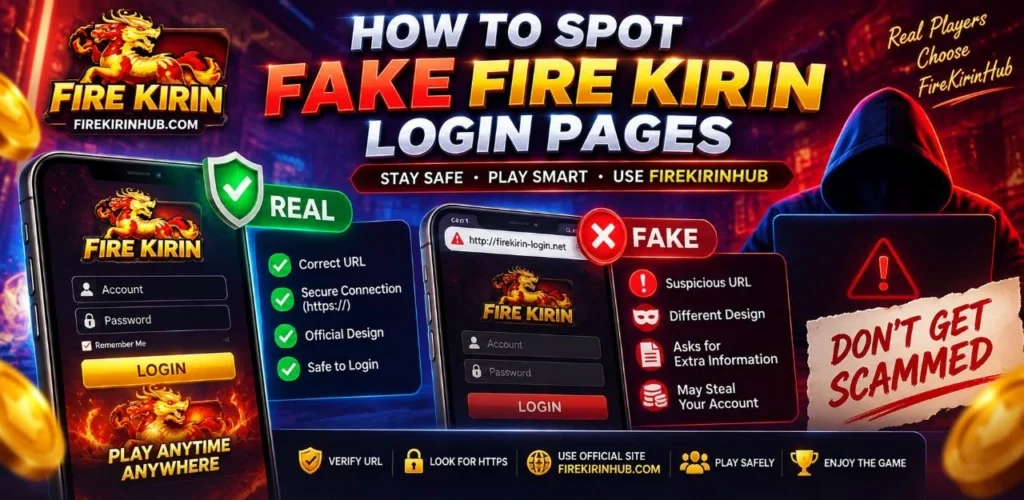
Open the login address your agent gave you and check for a typo or extra space in your username. If you see “invalid credentials” or “account locked,” stop retrying and ask the agent who issued your account to check it.
FireKirinHub users can message us to confirm which app or browser login to use. For an account issued by another agent, contact that agent for an account check.
Fire Kirin Outage FAQs
Does a frozen app mean Fire Kirin is down for everyone?
A single app can fail while other users still have access. Try another connection and ask your agent whether others are seeing the same problem.
Can the public website work while my login page is down?
Yes. A website status report applies to the domain it checks. Your account’s login page can have a separate issue.
Join FireKirinHub for App and Login Support
Want an agent you can reach when the app stalls or your login fails? Join FireKirinHub for guidance with the app and login page tied to your account. Already with us? Send your device, the time the issue started, and the exact error.
Join FireKirinHub → WhatsApp
 Telegram
 Messenger
Keep passwords and verification codes private. FireKirinHub provides independent agent support for eligible adults. Availability varies by location and device.